Configuring a device and saving changes
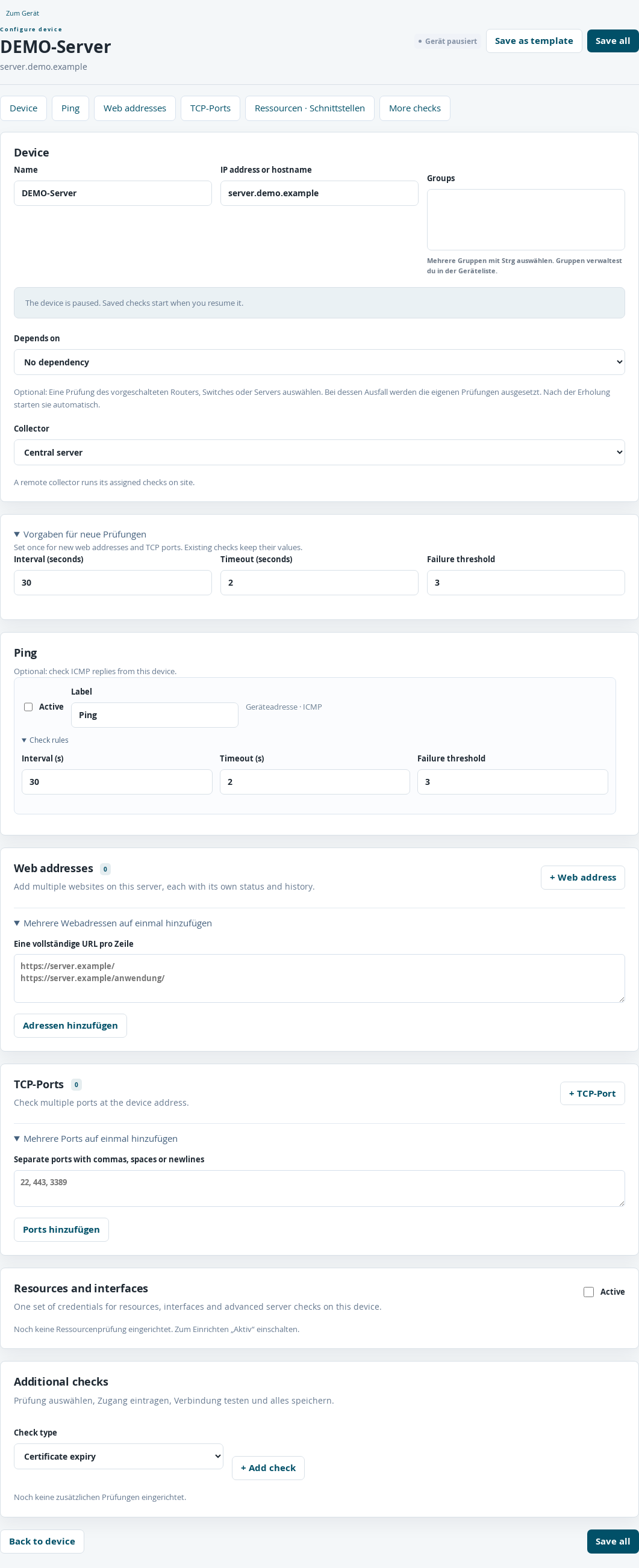
Upper part of the configuration page for a paused example device.
Under Devices, open the Configure button for the device you want to configure. The jump buttons lead to Device, Ping, Web addresses, TCP ports, Resources · Interfaces and More checks.
All settings on this page are applied together using Save all. Changes to a row, a connection test or adding an address alone do not save the configuration. Unsaved changes appears when there are changes that have not been saved. When leaving the configuration page, you are asked to confirm discarding them.
Under Device, you can set Name, IP address or hostname, Groups, Depends on and Collector. Data collector selection is described in the chapter on distributed data collectors.
Renaming a device preserves its measurement history. Changing the device address starts new ping, TCP and resource measurement series. Web checks continue to use their separately entered URL. If an SSH target address changes, the server key must be checked and confirmed again.
