Documenting cable and Wi-Fi connections
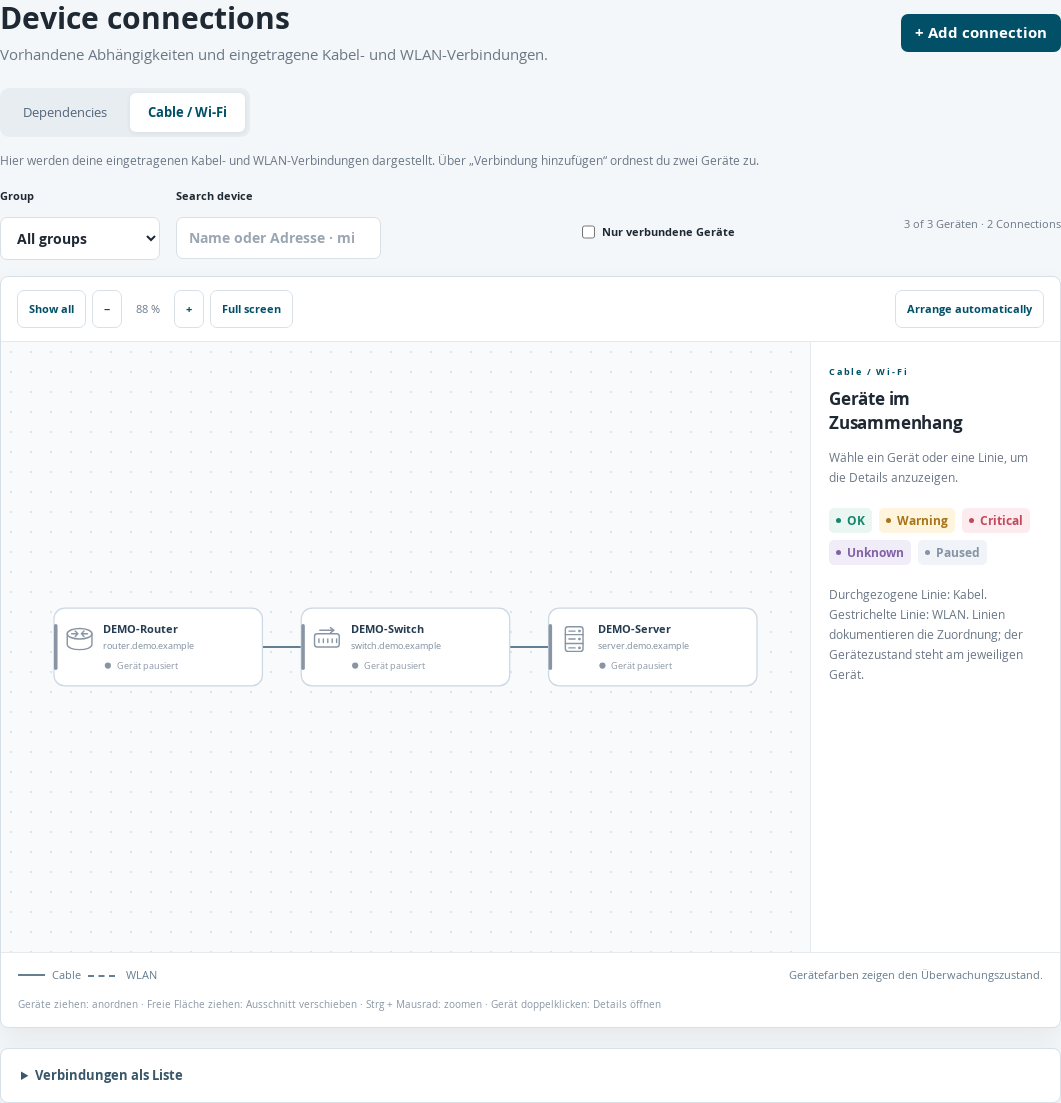
Documented cable connections between paused example devices.
Create both devices in Devices first.
Open Device connections → Cable / Wi-Fi.
Select + Add connection.
Select First device and Second device.
Set Connection type to Cable or Wi-Fi and enter a Label if needed, such as “Switch port 12”.
Select Save.
This connection documents a relationship. It does not configure a check or change a monitoring dependency. No separate connection status is measured for the line itself. Device colors continue to show the statuses of the configured device checks. Cables appear as solid lines, Wi-Fi as dashed lines.
Select a connection line to access its details, Edit and Remove connection. Removing a recorded connection retains the devices. In the Dependencies view, editing opens the configuration page of the dependent device instead.
