First sign-in and commissioning
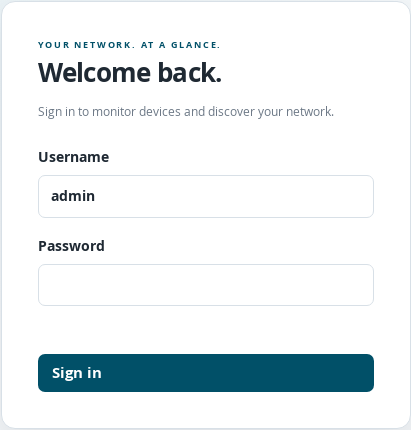
Qisutu Monitoring Version 1.x sign-in page.
In your browser, open https://SERVERADRESSE:8787. Replace SERVERADRESSE with the name or IP address of the Linux server. The initial installation first generates a self-signed HTTPS certificate. Your browser may therefore display a certificate warning. Check that you are opening the correct address of your own server.
Sign in with
adminand the initial password that was displayed.Open Settings → Protect your account and change your personal password. You need to sign in again after changing it.
Create any additional user accounts you need under Agents.
Check the defaults for new service checks under Settings → Defaults.
Add a device under Devices or import devices through Device discovery.
Open Configure on the device, enable the required checks and save with Save all.
Check the first readings. Then configure the desired delivery methods under Notifications.
Initial setup takes place through these areas. The application does not use a separate browser wizard for the entire initial installation. Configure is the main form for configuring an individual device.
